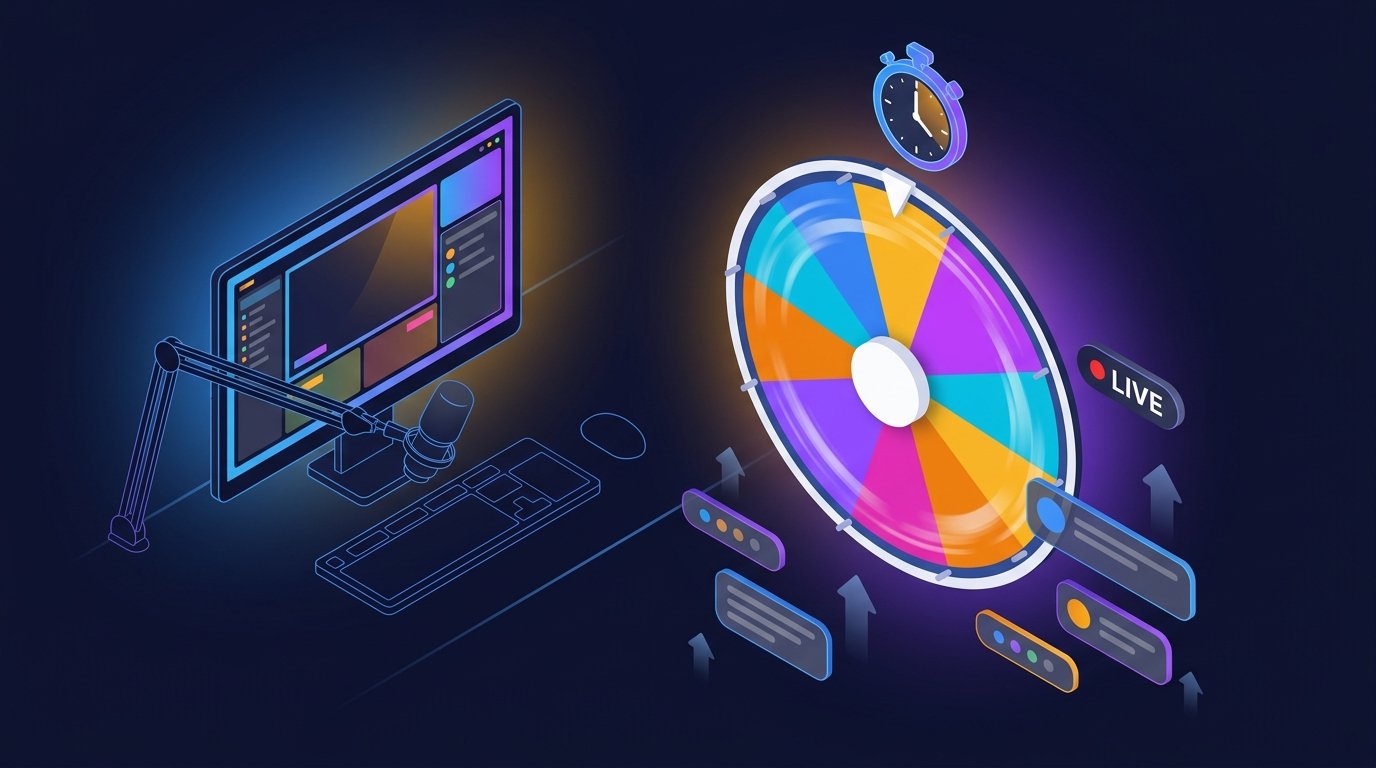
A subathon is one of the most powerful ways to grow a Twitch channel — subs add time to a countdown clock, and the stream runs for hours or days longer than planned. But keeping a subathon entertaining for its entire duration is genuinely hard. Chat gets bored. You run out of ideas. Energy dips.
A random wheel fixes that. It turns every sub, donation, and channel point redemption into a fresh, spontaneous challenge — and it keeps viewers watching because they never know what's coming next. Below are 15 subathon wheel ideas that actually work, ranked by how easy they are to set up.
1. Sub Goal Challenges
Every time a viewer subscribes, they add a challenge to the wheel — and once the wheel reaches 5 entries, you spin. Winner determines which challenge you complete next.
Setup: Load the wheel with pre-approved
challenges at the start. Each new sub adds a "x2"
weight to a challenge of their choice, making their pick more
likely.
2. Donation Dares
Viewers who donate above a threshold can submit a dare to the wheel. Every 30 minutes you spin to pick one and have to complete it live.
Setup: Use the party wheel with dares preset and
let viewers vote on which dares make the cut. Popular dares get
x3 weight so they win more often.
3. Viewer Game Picks
Load the wheel with games from your library. Every hour, spin to determine which game you play for the next hour. Chat loves the suspense and gets genuinely invested in the pick.
4. Channel Points Roulette
Set up a channel point redemption that lets a viewer spin the wheel to determine a challenge you must complete. Priced at something substantial — 5,000 points — so it feels earned.
5. Sub Wheel Raffle
Every 100 subs, spin the wheel with all current sub names on it. Winner gets a prize — game code, merch, custom emote. Keeps subs flowing throughout the marathon.
6. Mod Challenge Wheel
Let your moderators submit challenges to a wheel that only they can see. Every 2 hours, you spin blindly and have to complete the result. Chat gets to watch you sweat.
7. Timed Challenge Stack
Each hour of the subathon adds one challenge to the wheel. After 12 hours, the wheel has 12 challenges — every spin is a surprise.
8. Viewer Name Challenges
Load the wheel with specific viewers who have watched the longest. Every 30 minutes, spin to pick a viewer — you then have to do whatever challenge they name in chat (within pre-approved guidelines).
9. In-Game Handicap Wheel
If you're playing a competitive game, spin the wheel between matches to determine your handicap. "Pistol only," "no abilities," "backwards controls" — chat loves seeing you struggle.
10. Snack Break Roulette
Load the wheel with quick snacks from your kitchen. Every two hours, spin to determine your next snack. Practical, funny, and gives chat a natural break point.
11. Music Genre Switching
Subathon playlists get stale fast. Load genres into the wheel and spin every hour to determine the next hour's music theme.
12. Outfit Change Wheel
Load the wheel with hats, wigs, or accessories. Every 3 hours, spin to determine your new look for the next segment. Ridiculous but entertaining.
13. Karaoke Song Picker
Every sub adds a song to the karaoke wheel. Every 90 minutes, spin to determine what you have to sing. Chat picks the songs, you sing them.
14. Sleep Schedule Wheel
For long-haul subathons: spin to determine when you're allowed to sleep. Results ranging from "20-minute power nap" to "6 hours off." Guaranteed viral clips.
15. Grand Finale Wheel
Save the biggest challenge for the very end. When the subathon clock hits zero, spin the finale wheel to determine how you close the stream. Ice bucket, marathon gaming session, or something entirely ridiculous.
Best Practices for Subathon Wheels
Always show the wheel on stream
Use a browser source in OBS so chat can see the wheel in real time. Transparency is what makes wheel-based challenges work.
Pre-approve dares and challenges
Before the subathon starts, approve every challenge that might be submitted. You want to avoid mid-stream moderation decisions in front of your audience.
Use weighting for pacing
If you want high-energy challenges to appear more often during
peak hours, use x3 or x5 weighting. For
chill hours, weight relaxation challenges higher.
Save the wildest challenges for milestones
Create a separate "milestone wheel" that only activates at sub-goal checkpoints. Weight the wildest challenges there so milestones feel genuinely special.
Shuffle before spinning
Use the Shuffle button before each spin so chat can see the entries are being randomized. It's a small thing that builds big trust.
Setting Up the Wheel in OBS
Adding SelectAWheel to your OBS layout takes about 60 seconds:
- Open the tool in Chrome or Edge at{" "} selectawheel.com/pages/giveaway.html.
- In OBS, add a new Window Capture or{" "} Browser Source targeting the wheel.
- Crop to the wheel area using Alt+Drag.
- Enable audio monitoring so chat hears the tick sounds as the wheel spins.
Full OBS walkthrough is in our{" "} Twitch giveaway guide.
Author
SelectAWheel Team — we build and maintain the free SelectAWheel wheel spinner, used by streamers on Twitch, YouTube, and Kick. Reach us at admin@selectawheel.com.
Ready to Run Your Subathon Wheel?
Open our free, stream-ready wheel and start running subathon challenges in seconds.
Launch Giveaway Wheel